

1.1.0 · Ideas, right in the conversation
- Six native layouts for explanations, comparisons, metrics, steps, charts, and interactive examples. Controls update locally; longer content continues in complete chat bubbles.
- Everyday conversation and ordinary lookups default to natural text. Visual explanations use native components; explicit webpage and file requests can produce downloadable attachments.
- Bilibili captures reuse the local image library across chats. New captures use the installed plugin's quick preview by default, with original-video extraction available for detail.
- Images fit their bubbles, downloads sit in the lower-right corner, and HTML/SVG previews share the chat surface with readable text in light and dark themes.
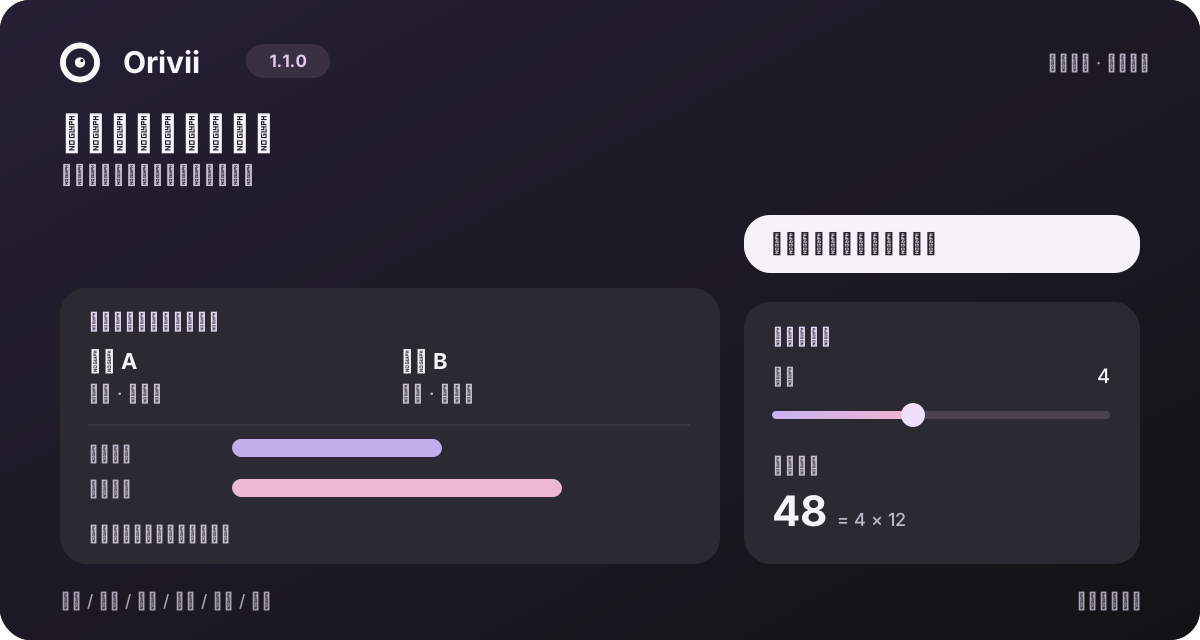
Original layout illustration with demo data, not a screenshot of a real conversation.
1.1.0 notes and upgrade guide · Visual replies guide · Update index
Get started
Install version 1.1.0 from npm or the matching GitHub Release.
With a working DSH installation and a configured model, install the prebuilt plugin:
dsh plugin --profile web add [email protected]
On Windows PowerShell, use dsh.cmd in place of dsh. Desktop users can add [email protected] through the app's plugin manager. Follow the host's reload instructions, open Orivii in the sidebar, choose a workspace, and set a name and password.
Requires Node.js ≥24.2.0 and a compatible DSH 0.2.1 host. The npm package is dsh-orivii; the npm package named dsh-companion is a different project. Full installation guide
Meet Orivii
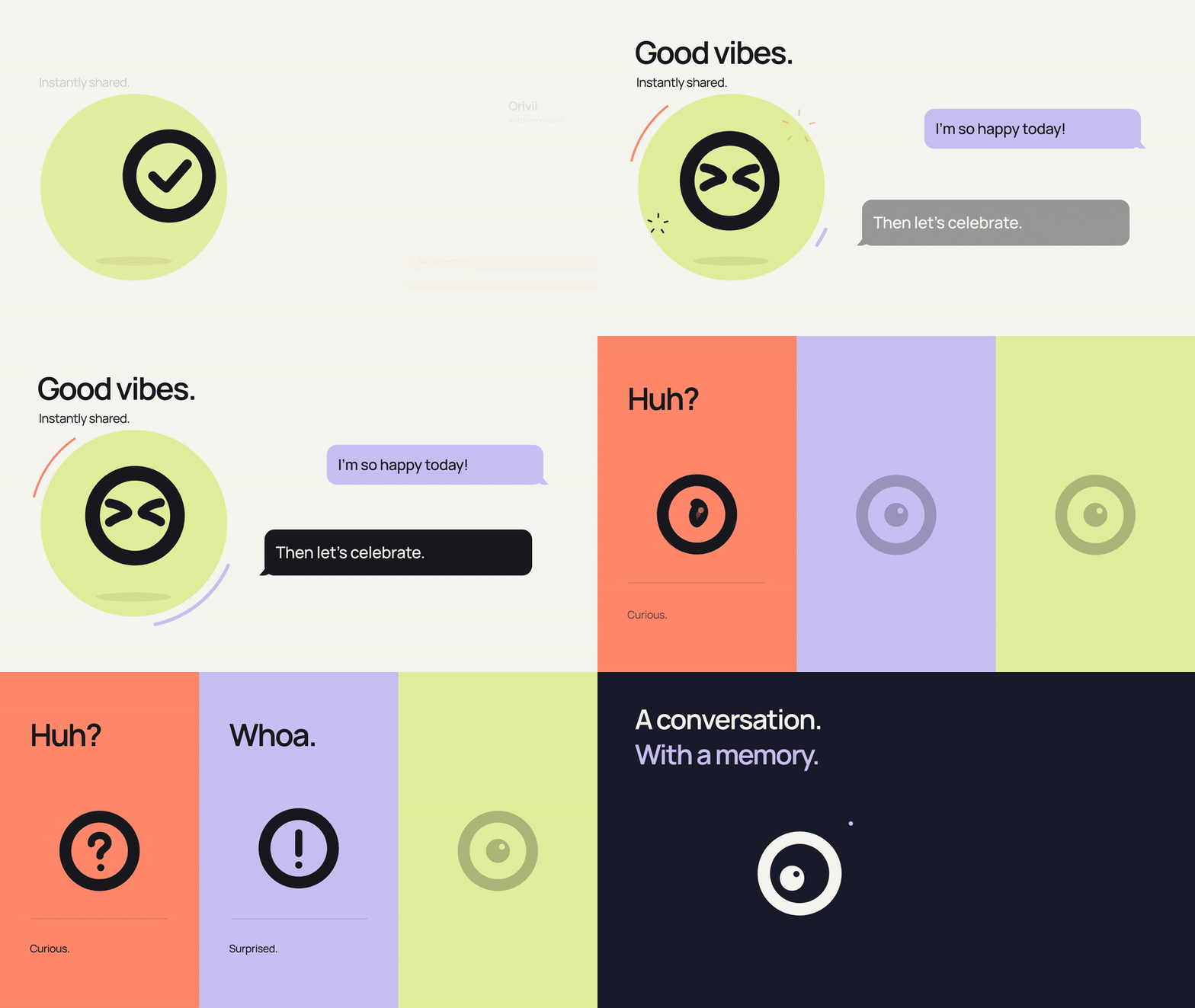
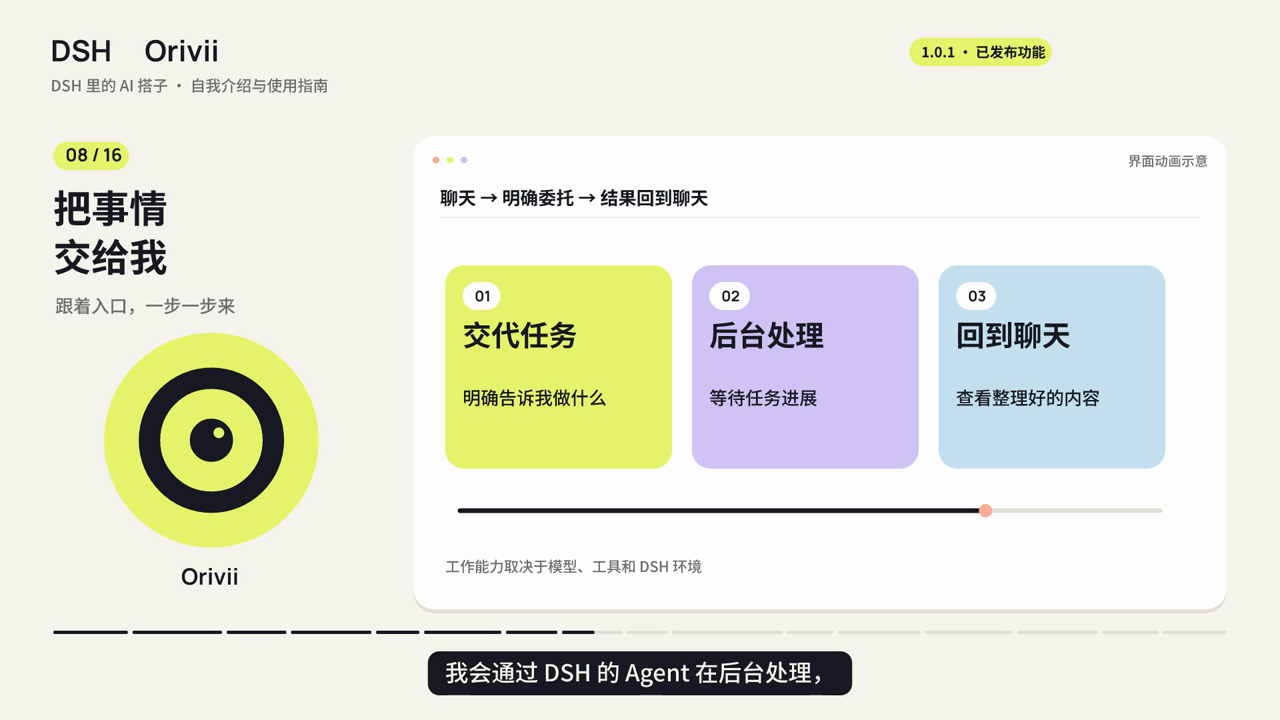
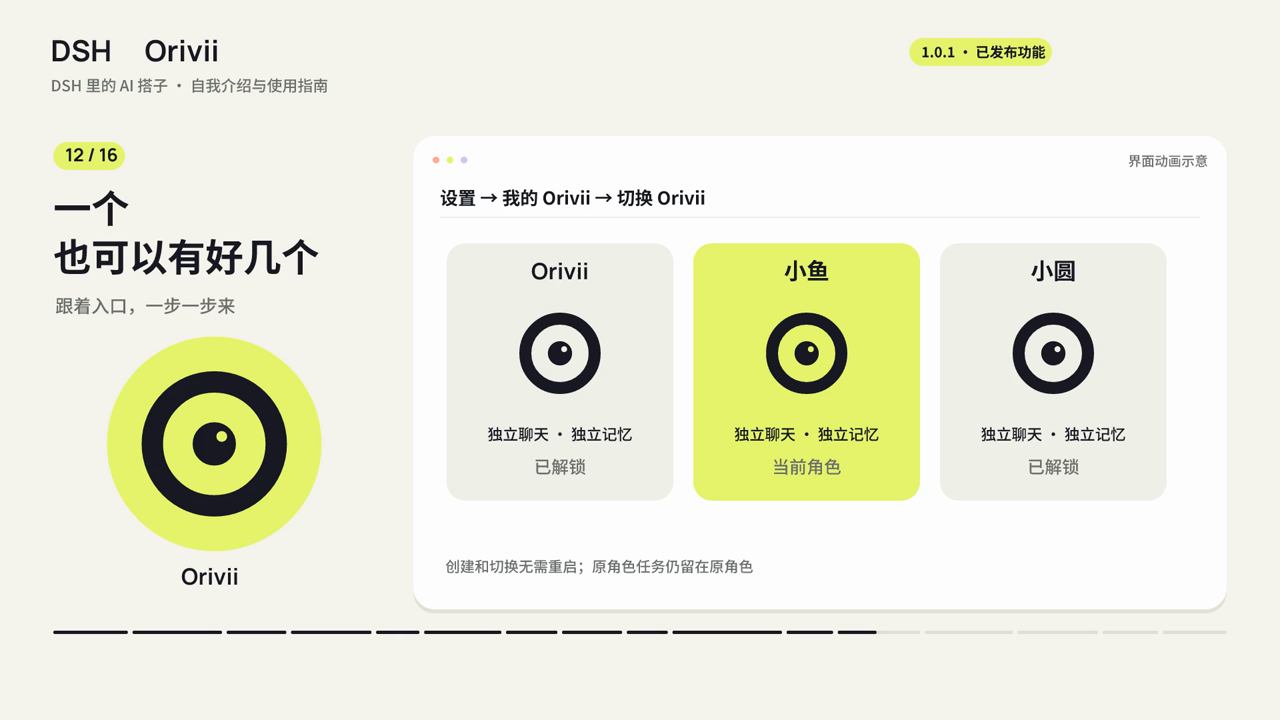
Watch the full 60-second film. The animated preview and tutorial frames below use original demonstration scenes.
| A place to talk | Pick up a conversation |
|---|---|
 |  |
| Background work | Multiple companions |
 |  |
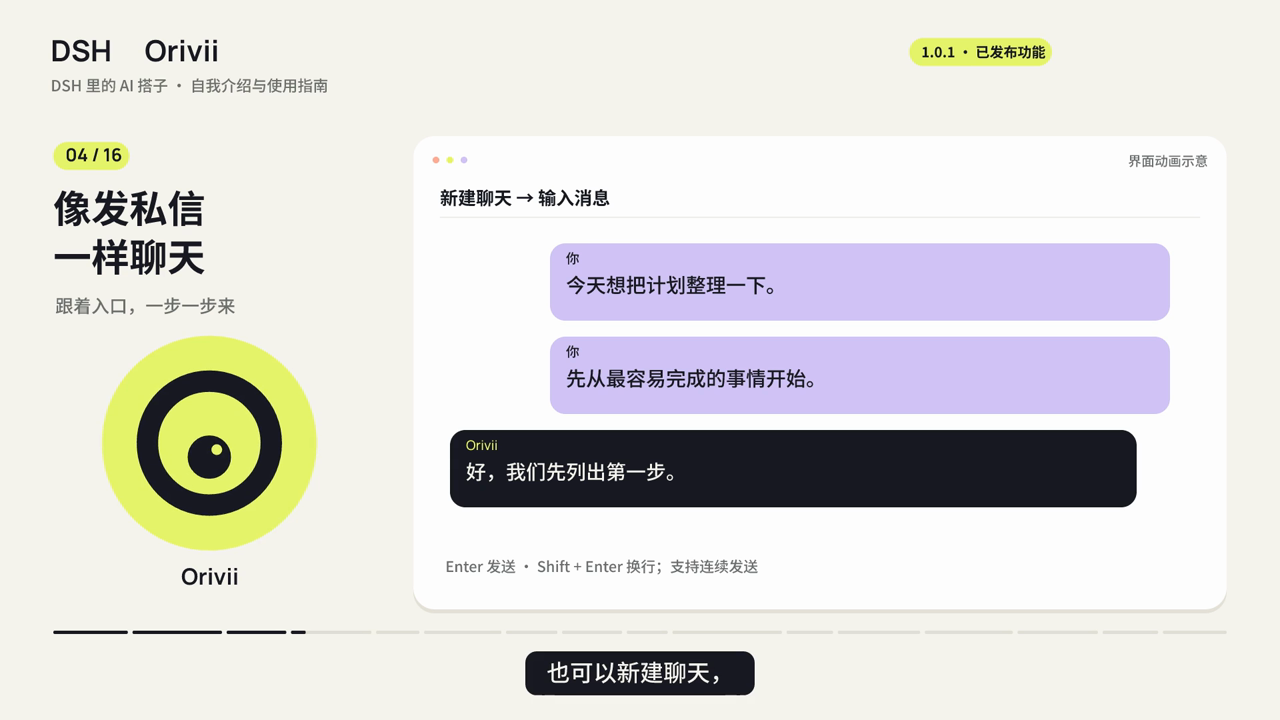
- A place to talk. Independent chats, rich text bubbles, consecutive messages, and expressive eye animations.
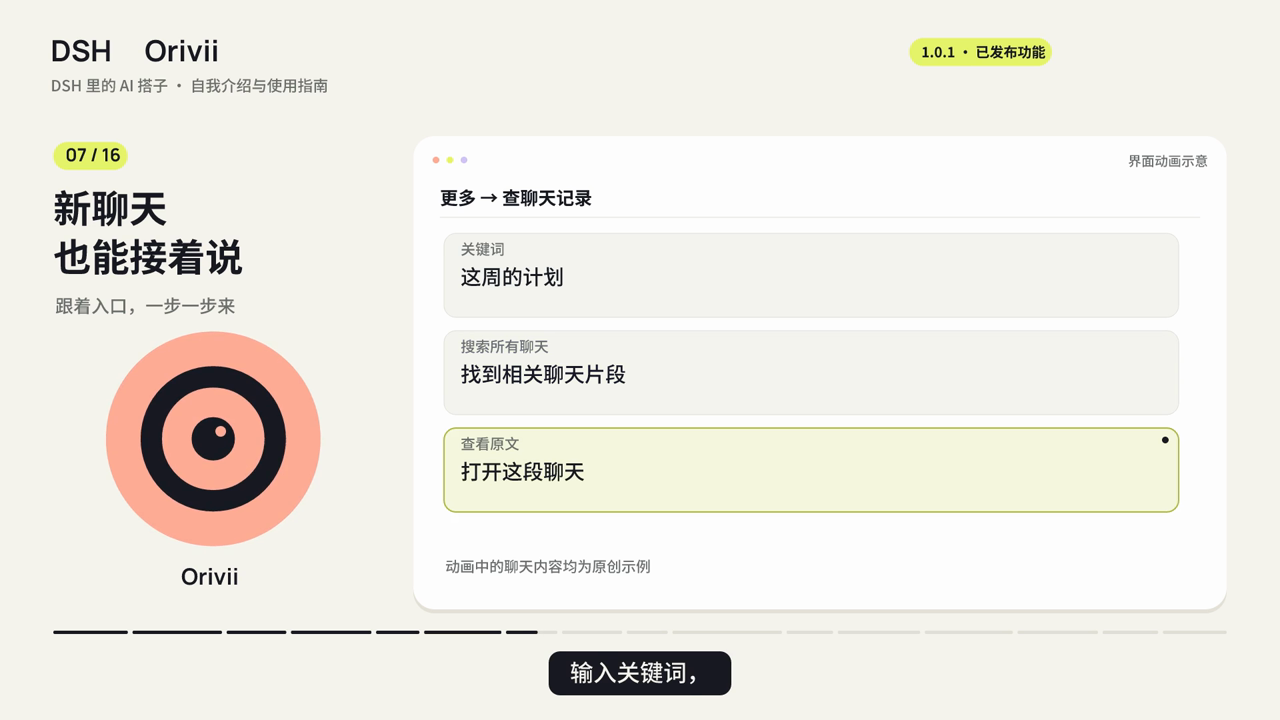
- A conversation that carries on. Recent dialogue and searchable history are shared across chats within one identity. Recall can be incomplete; important details should be checked against the original conversation.
- Help with real tasks. Search through DSH's web service, arrange reminders in natural language, and delegate explicit work to DSH agents. Available tools and host permissions determine what can actually run.
- More than one Orivii. Version 1.0.1 adds independent identities with separate chats, memories, and preferences. Switch without restarting DSH.
- Less repeated unlocking. Choose the current DSH run, 8 hours, or 24 hours. Refreshing or switching does not extend the deadline. A manual lock or host restart requires unlocking again.
Reminders require the DSH host to remain running and the relevant identity to remain unlocked. They arrive in the chat, not as an alarm that works after shutdown.
Coming from 1.0.x
Images, files, independent identities, unlock intervals, reminders, and background work remain available. Back up your workspaces before upgrading, then reopen the existing directories.
Images, Bilibili, and appearance guide (Chinese)
Make it yours
In More → Settings → My Orivii (更多 → 设置 → 我的 Orivii), create another identity or switch to an existing one. Renaming an identity preserves its data; creating a new one starts with independent records. Identity and unlock guide
Try asking:
Call me Lin. Keep everyday replies short and warm, but be direct when we discuss code.
Remind me to take a break in ten minutes.
Check this project's latest official release and include the original link.
Documentation
The detailed guides currently use Chinese and match the UI labels:
| Guide | Topics |
|---|---|
| Getting started | Windows, Linux, Desktop, Market, first conversation |
| Everyday use | Style, history, web search, reminders, background work |
| Identities and unlocking | Independent roles, switching, verification intervals |
| Visual replies | Native layouts, charts, sliders, complete HTML/SVG previews |
| Bilibili | Plugin setup, login, screenshots, subtitles, reuse |
| Reminders and background work | Schedule changes, quiet hours, delegation, result checks |
| Data and migration | Storage, backups, upgrades, restoring on another computer |
| Troubleshooting | Installation errors, missing replies, reminders, UI |
| Update index | Current release, older versions, upgrade notes |
Data, availability, and contribution
Chat and memory files stay in your chosen workspace, with optional password encryption. Local storage does not mean offline processing: your configured model receives the context needed to answer; web services receive necessary queries. Keep your password safe—lost encryption passwords cannot be recovered.
Voice calls are not included in 1.1.0. Co-watching, co-reading, and public-topic exploration are optional previews, off by default and dependent on host services. Office/PDF parsing and new messaging channels remain planned work. See the roadmap and release notes.
Issues and focused PRs are welcome. Use fictional data for reproductions and never attach credentials or real memory archives. Contributing · Security · Media credits
MIT licensed. An independent community project, not affiliated with DeepSeek, OpenAI, or Apple.